
Editing Product Attributes
- Go to theperfumery.com's dashboard products page: https://theperfumery.com/account/nova/resources/products
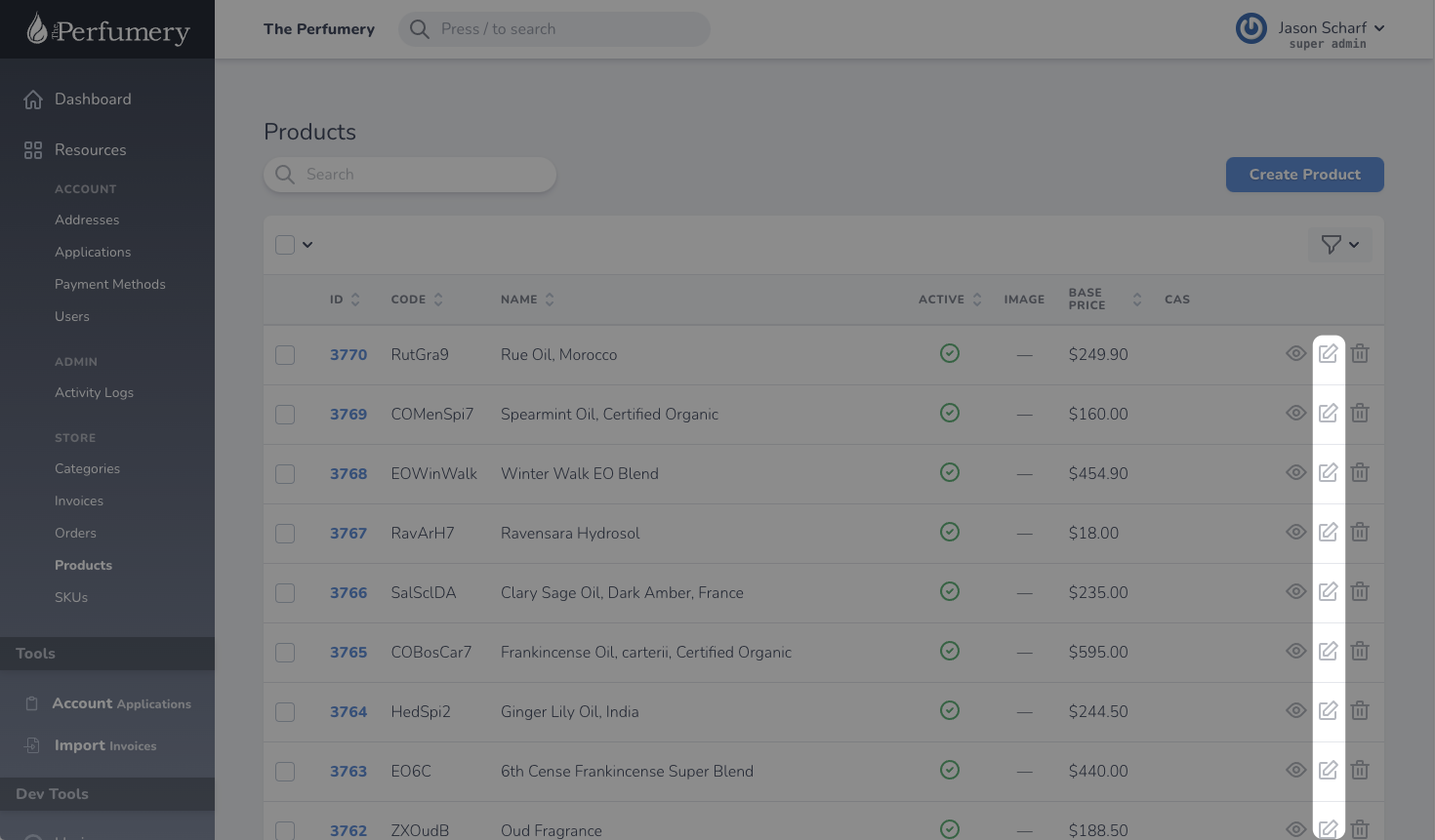
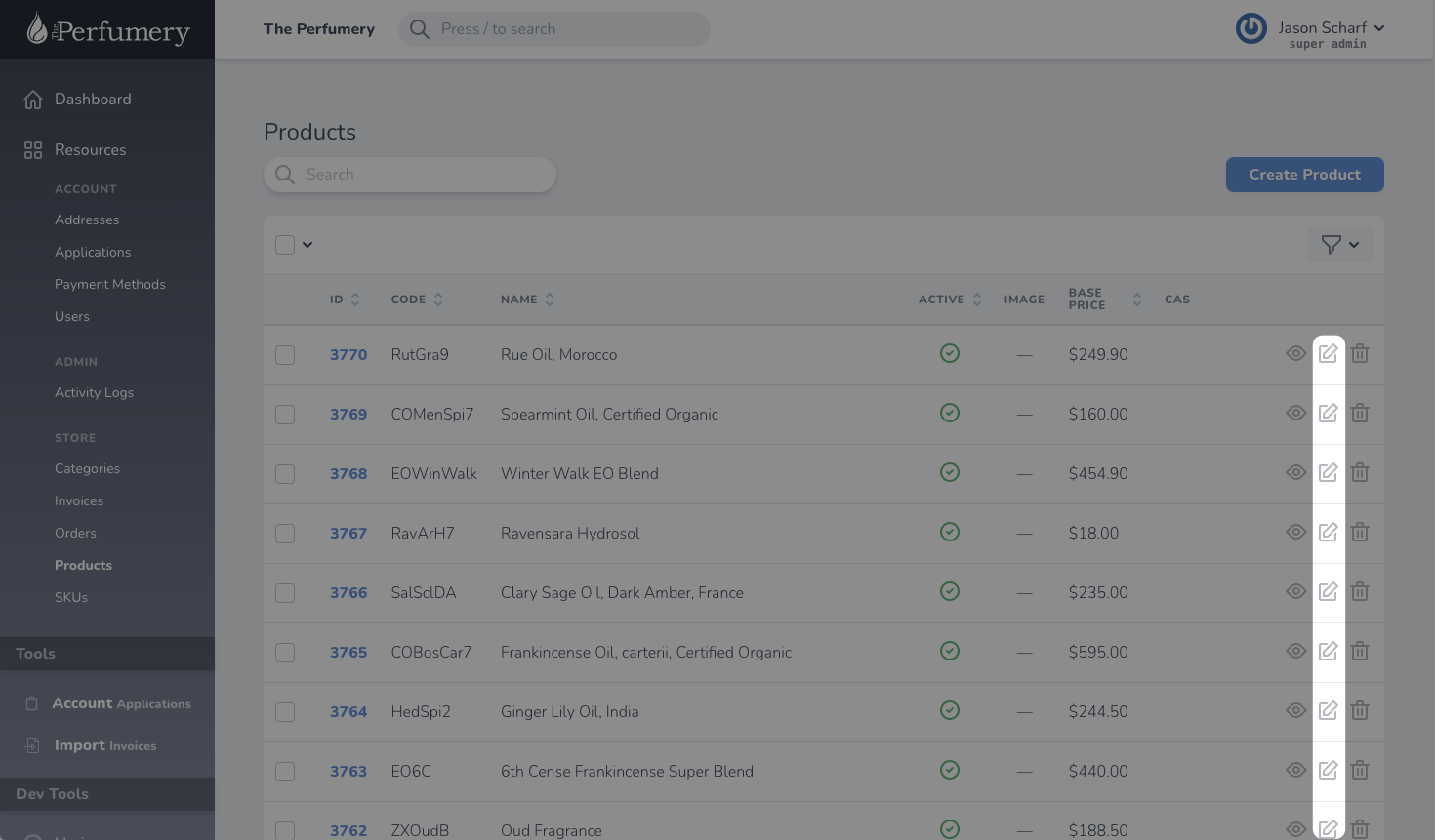
- Find the product you want whose attributes you would like to edit, and click on the edit icon.
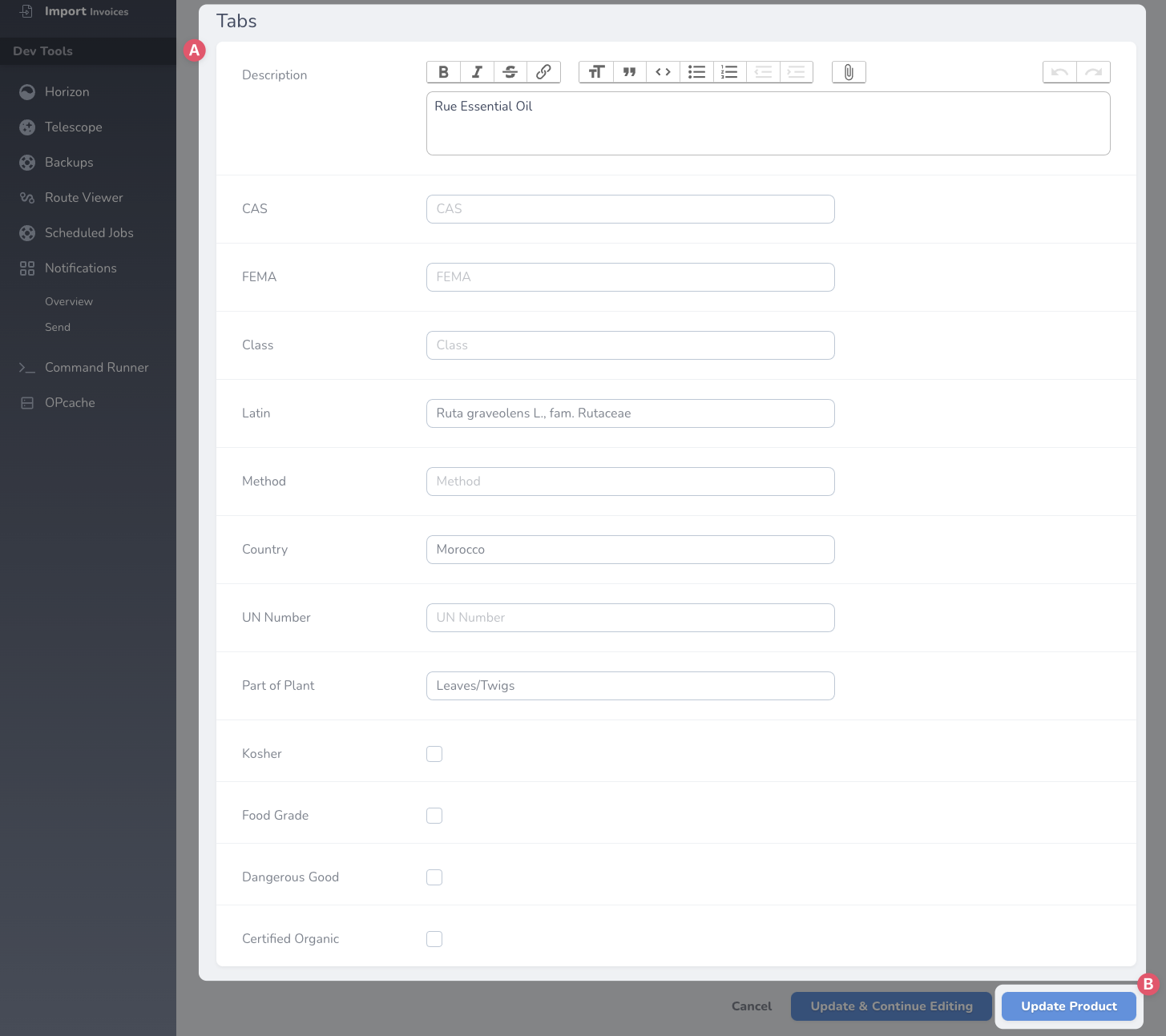
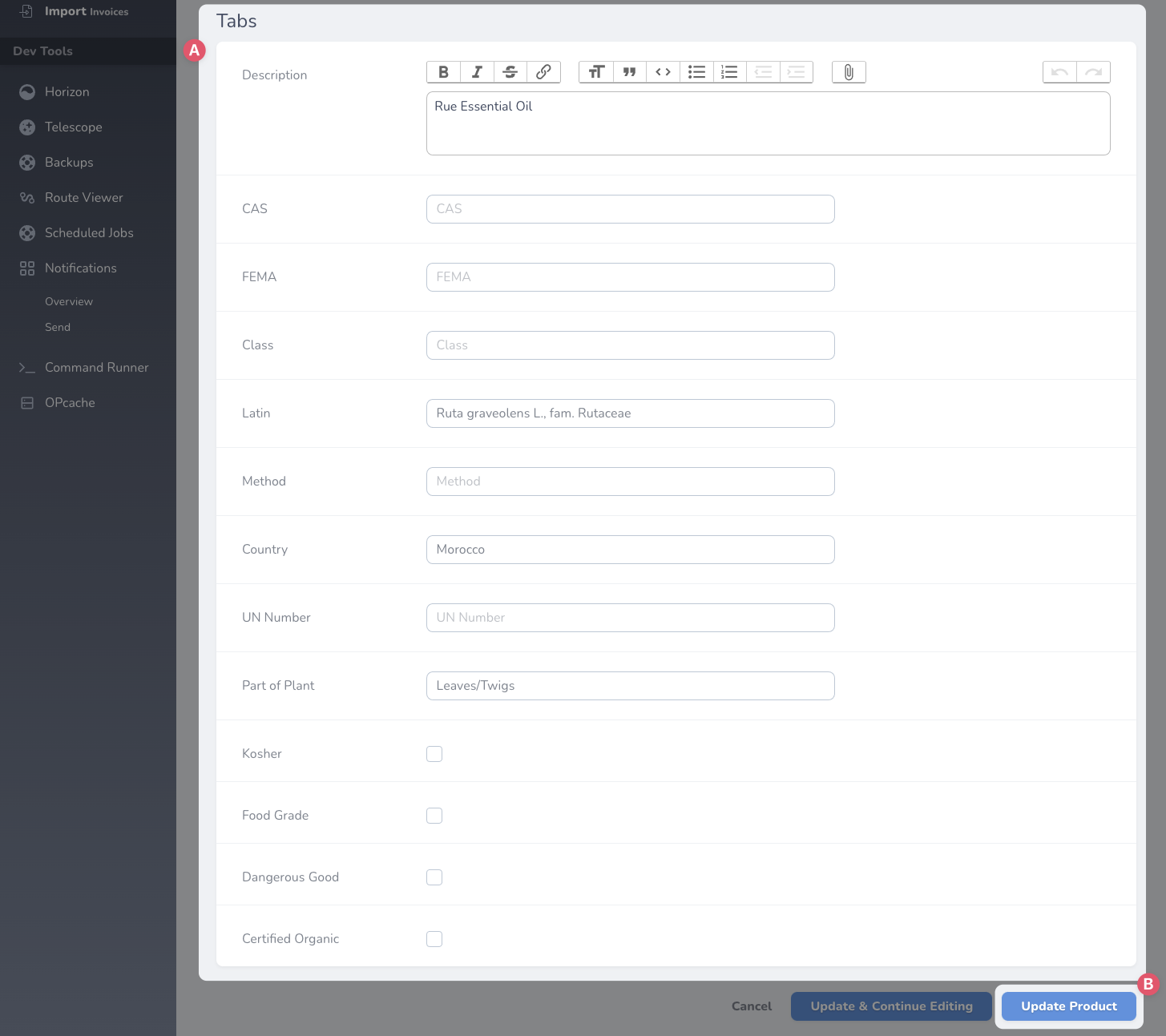
- Scroll down to the Tabs section
- A. Edit the attributes
- B. Click Update Product
No Comments