Skip to main content
Signing Up to Manage Credit Card Disputes
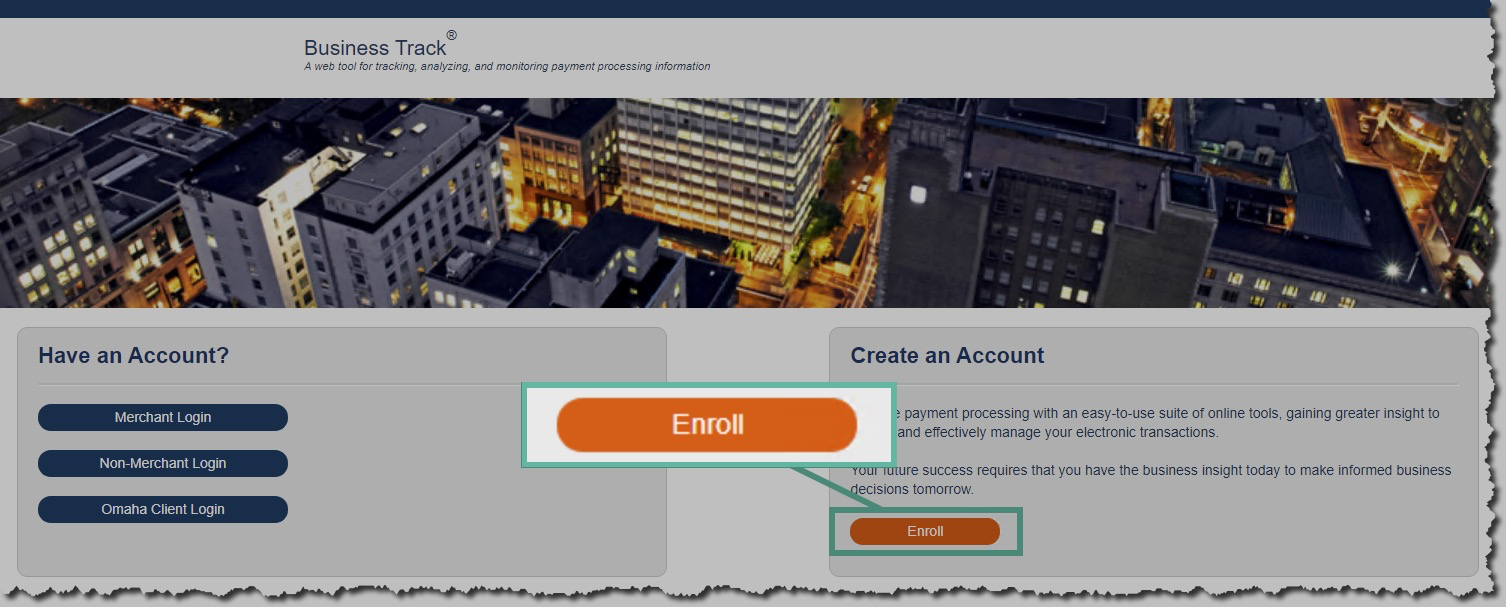
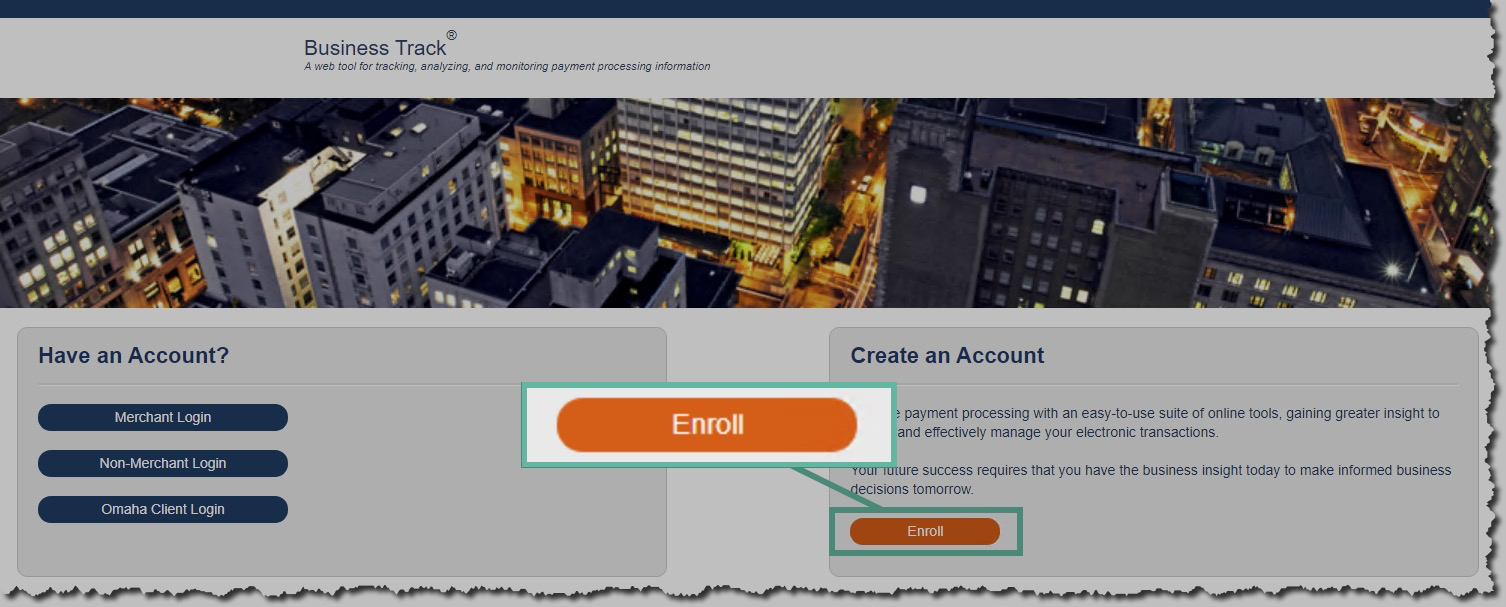
- Go to https://www.businesstrack.com/
- Click on Enroll under Create an Account
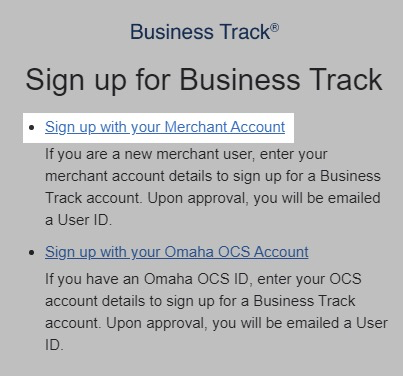
- Click "Sign up with your Merchant Account"
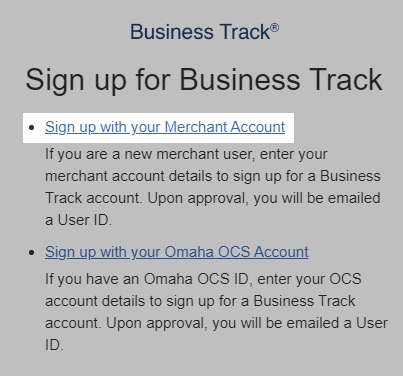
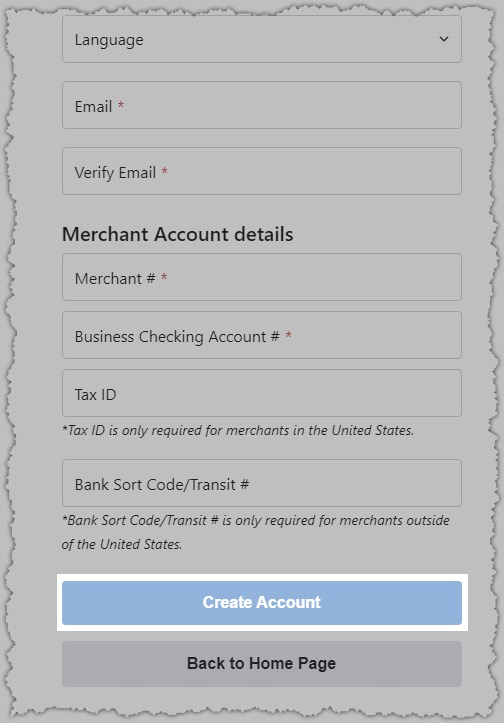
- Complete Registration
- Merchant ID: 191203954885
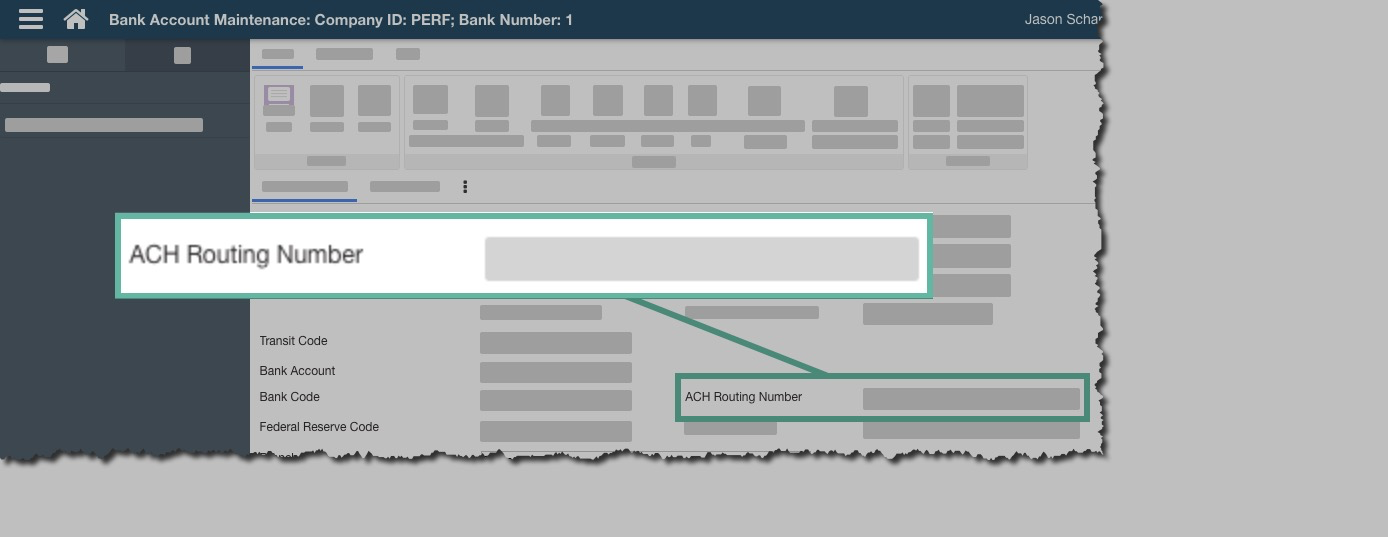
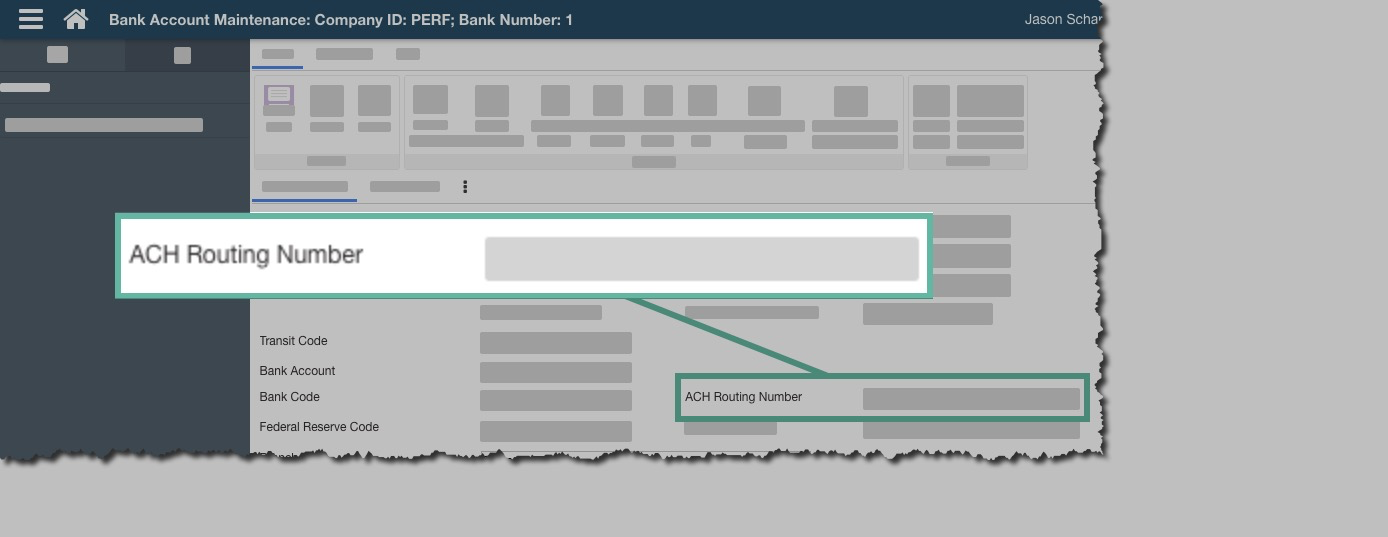
- Business Checking Account Number: P21 -> Bank Account Maintenance - 8324 - Byline Purchasing -> ACH Routing Number
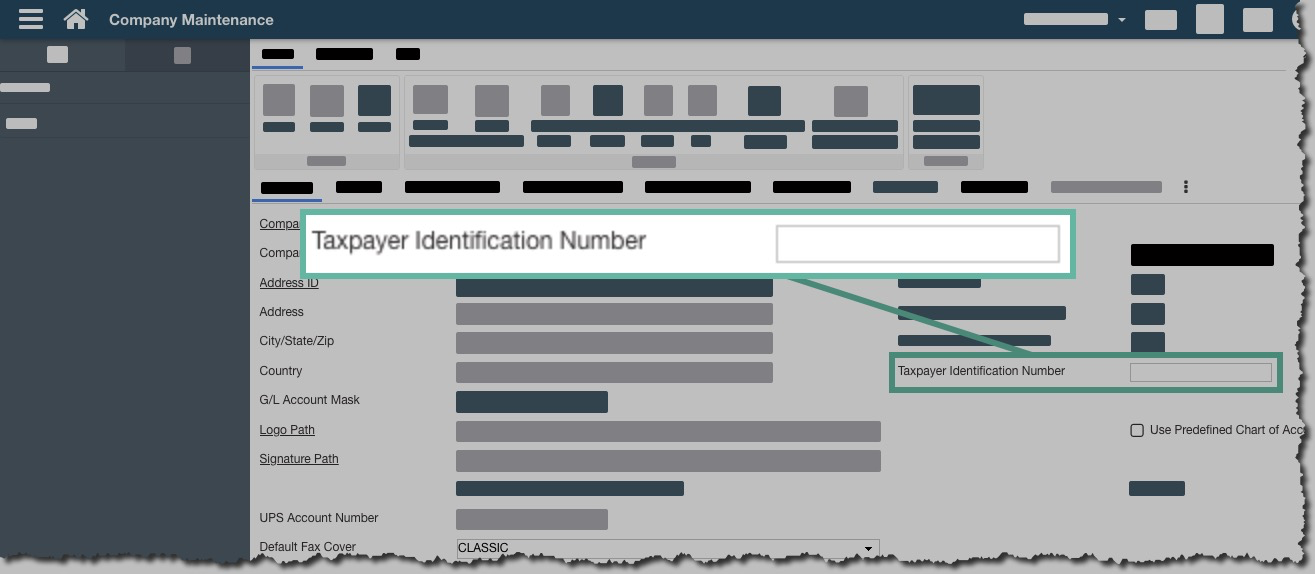
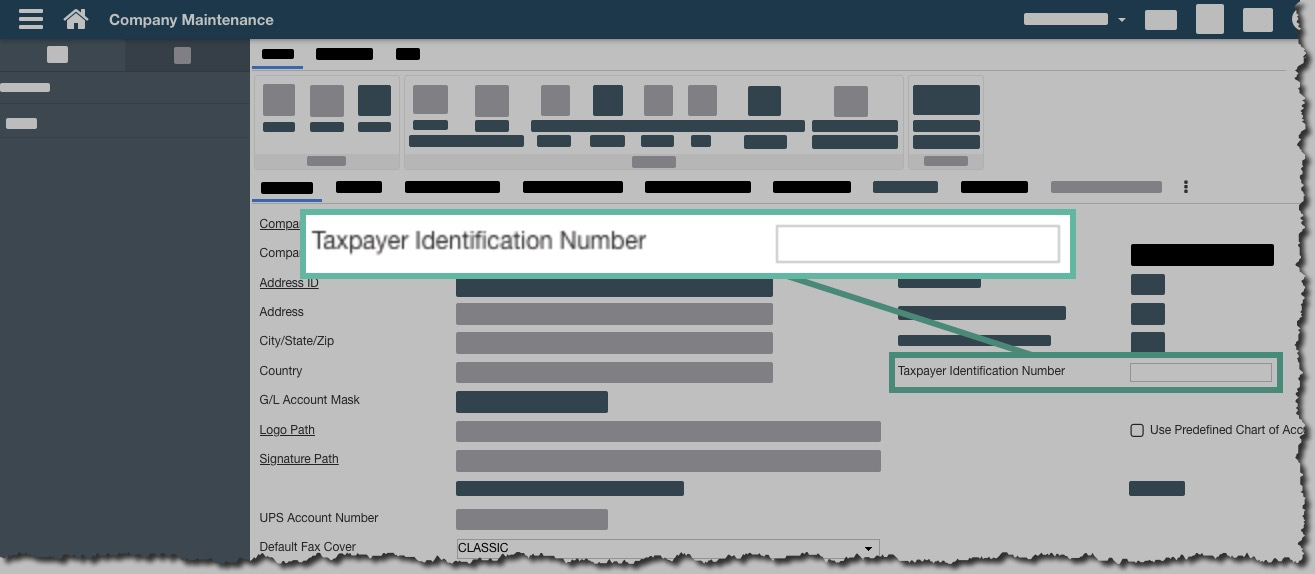
- Tax ID: P21 -> Company Maintenance
- Click Create Account
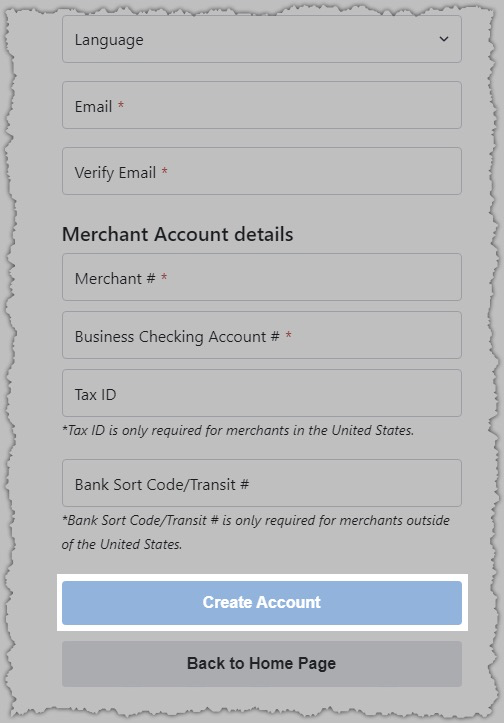
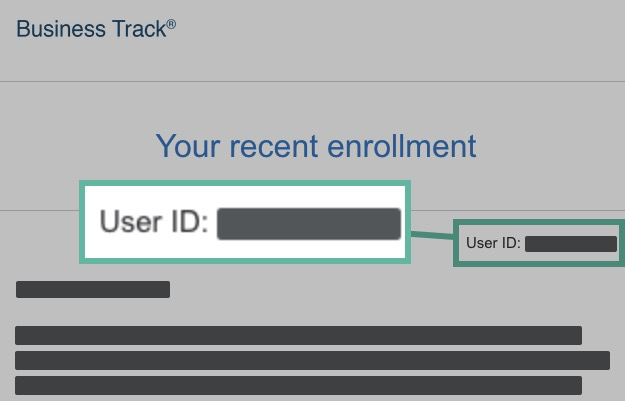
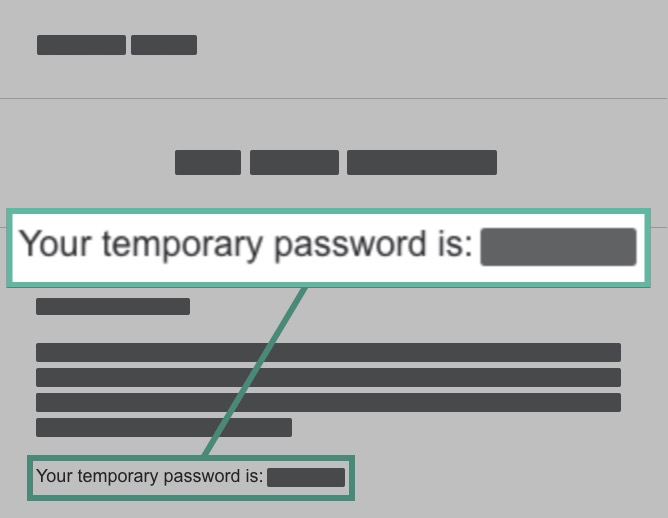
- You will receive two emails
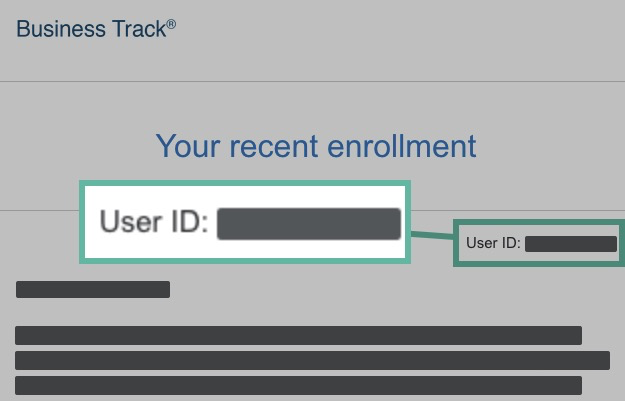
- One with your username
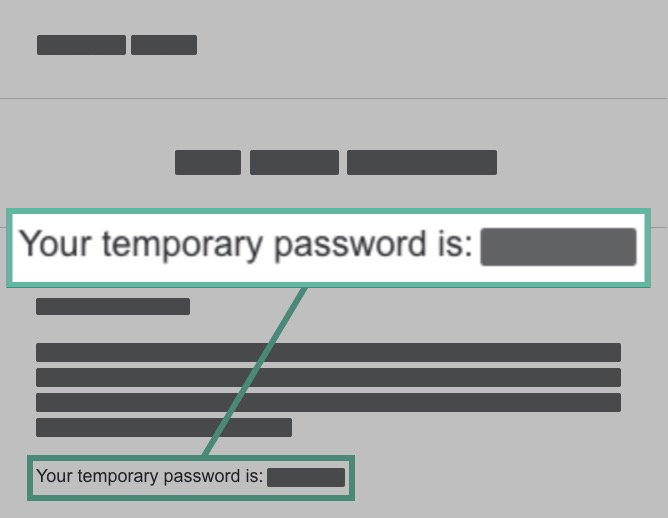
- Another with your temporary password
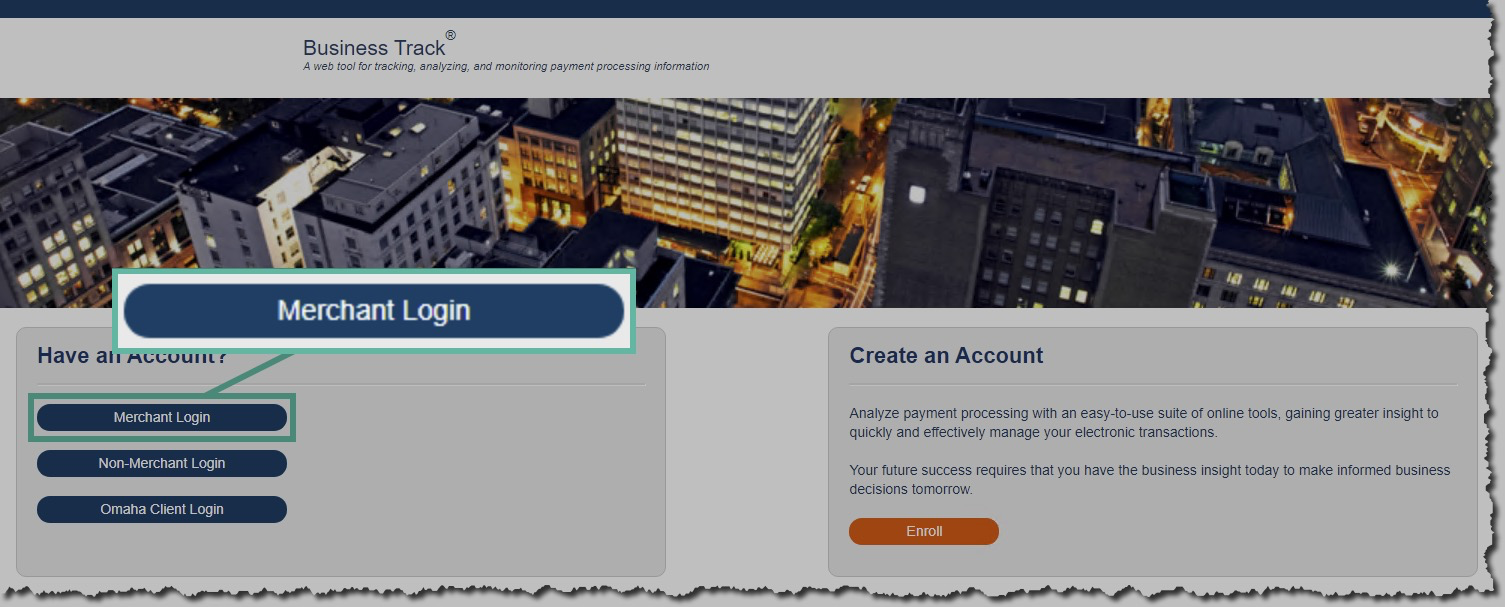
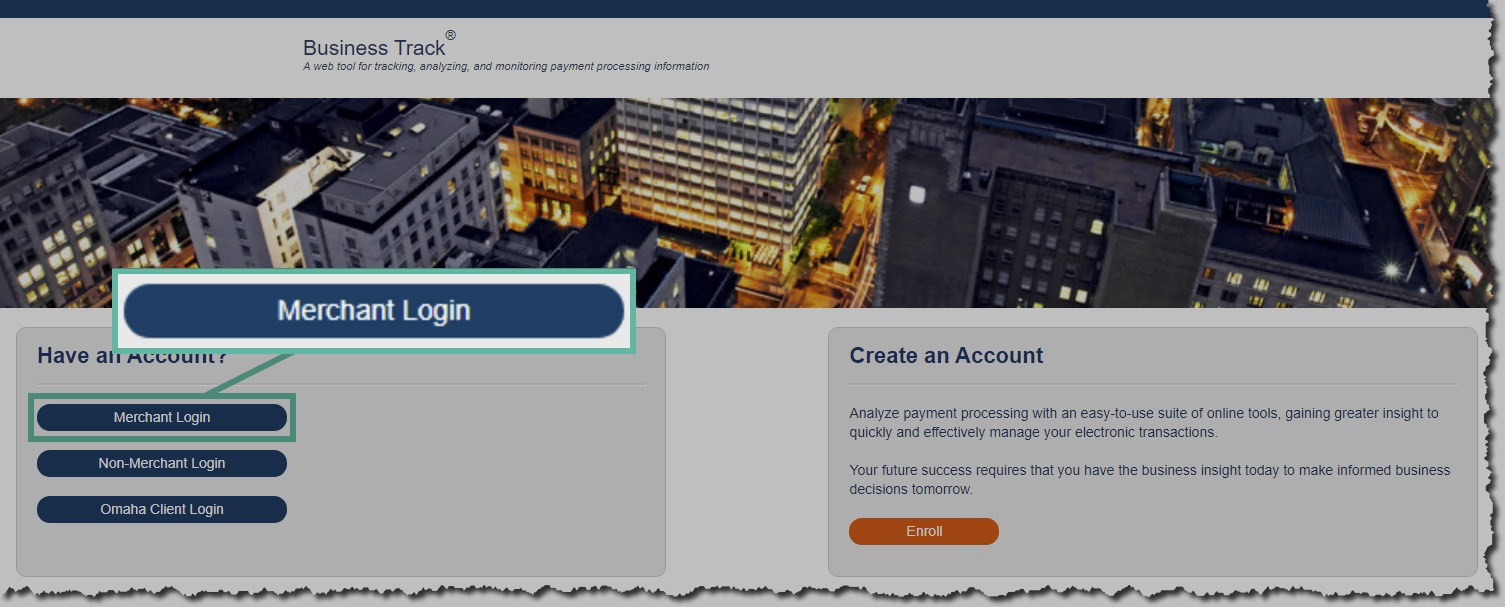
- You should be redirected back to the main page https://www.businesstrack.com/
- Click Merchant Login
- When you login you will be asked to set a new password.
- Log back in.
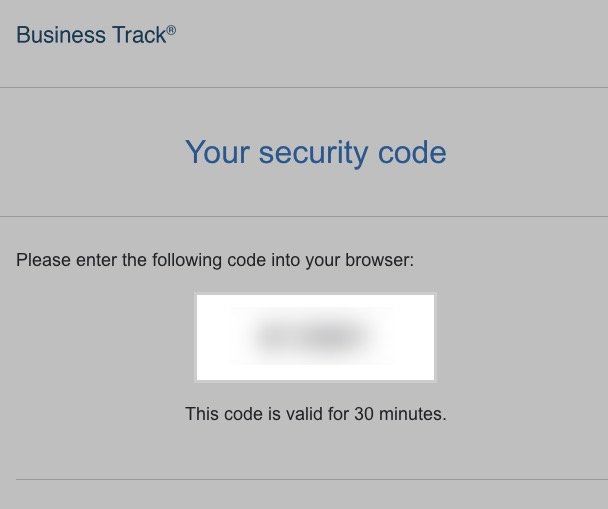
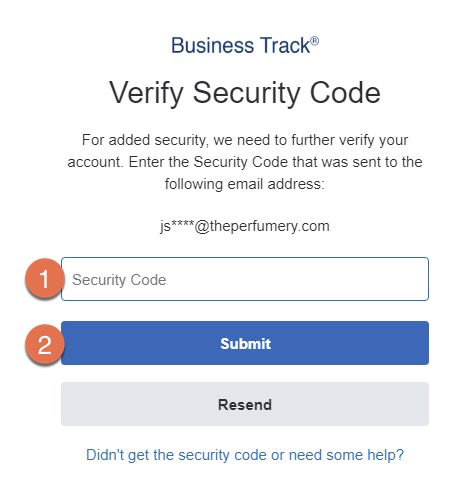
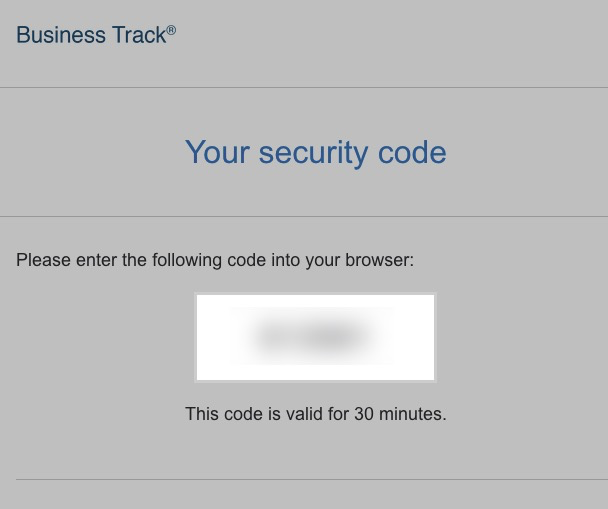
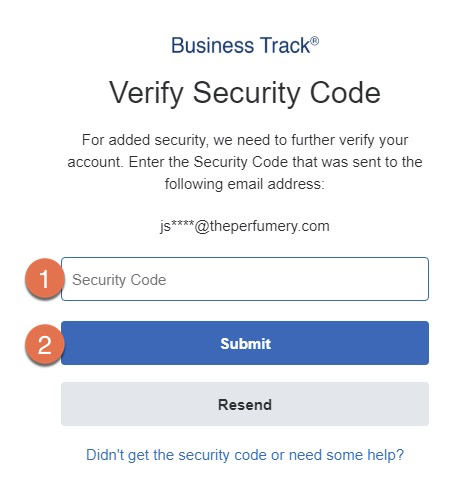
- You will then be asked to setup security verification, and will sent an email with a code.
- Enter the verification code, and click submit
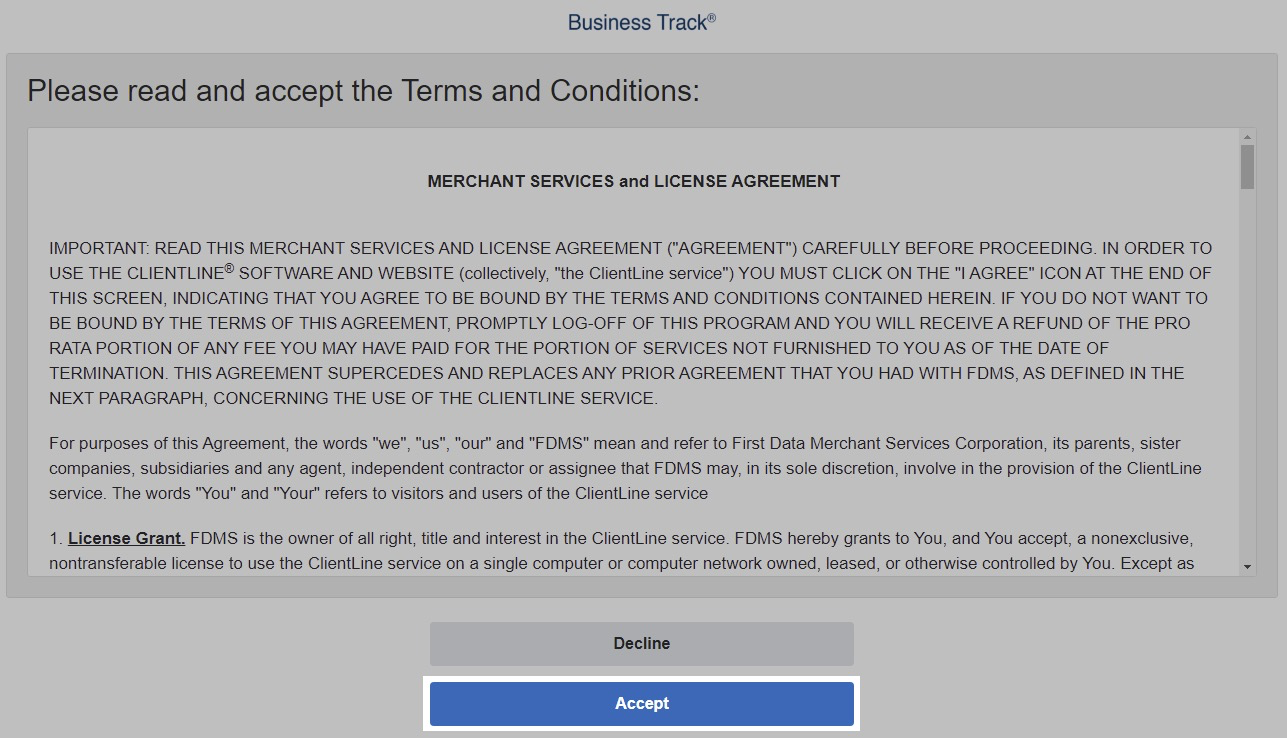
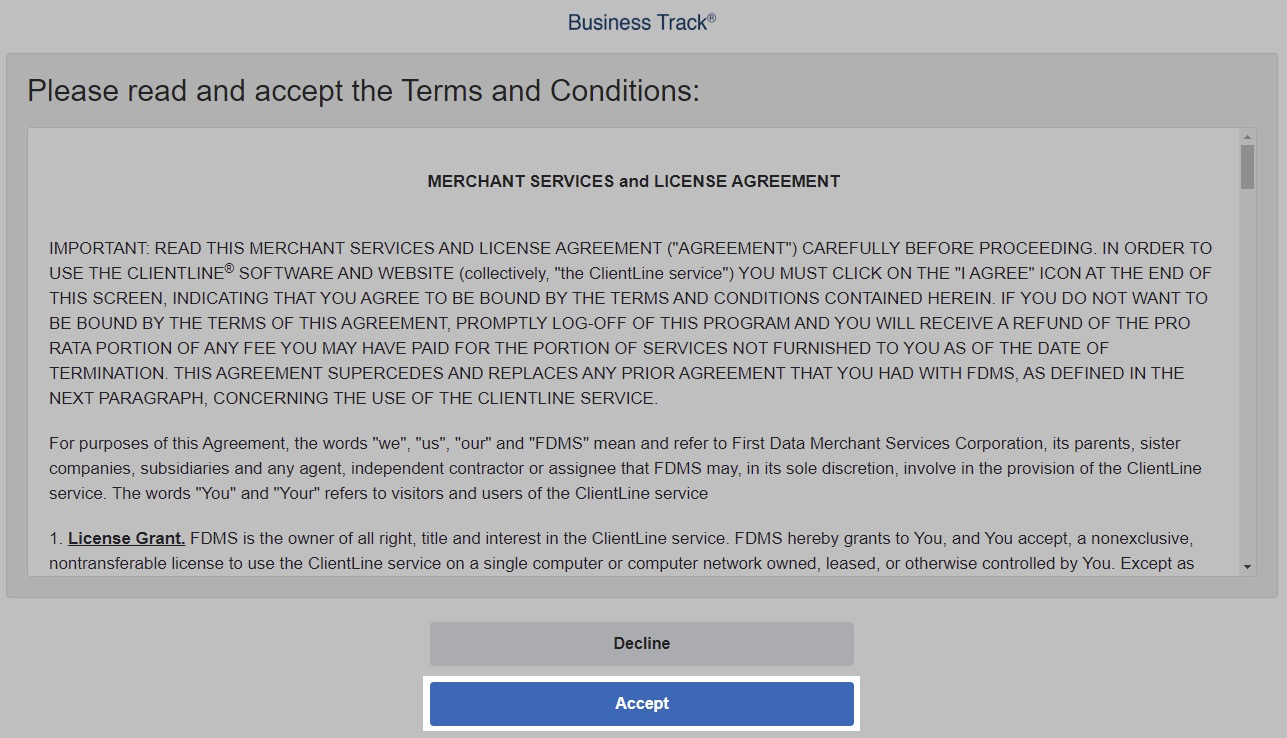
- Accept the Agreement
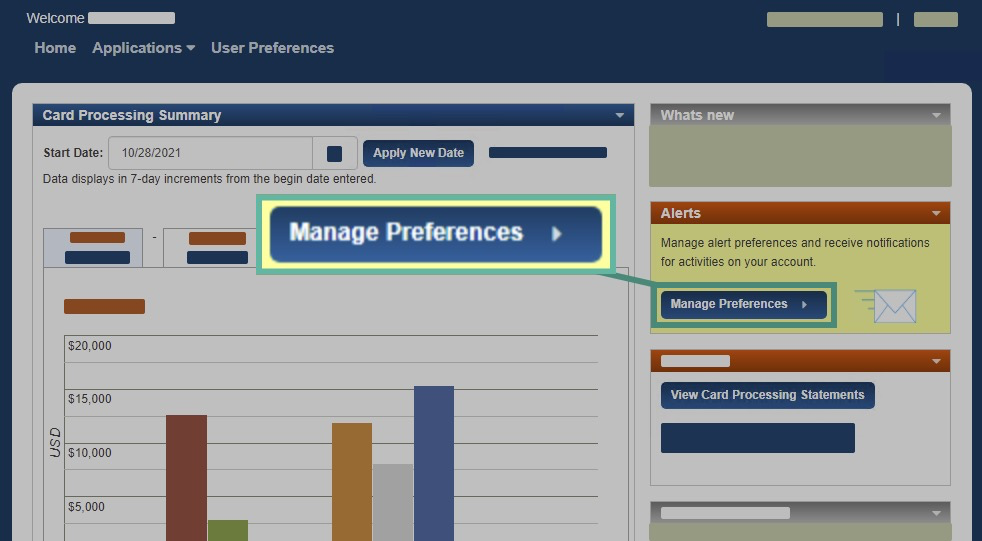
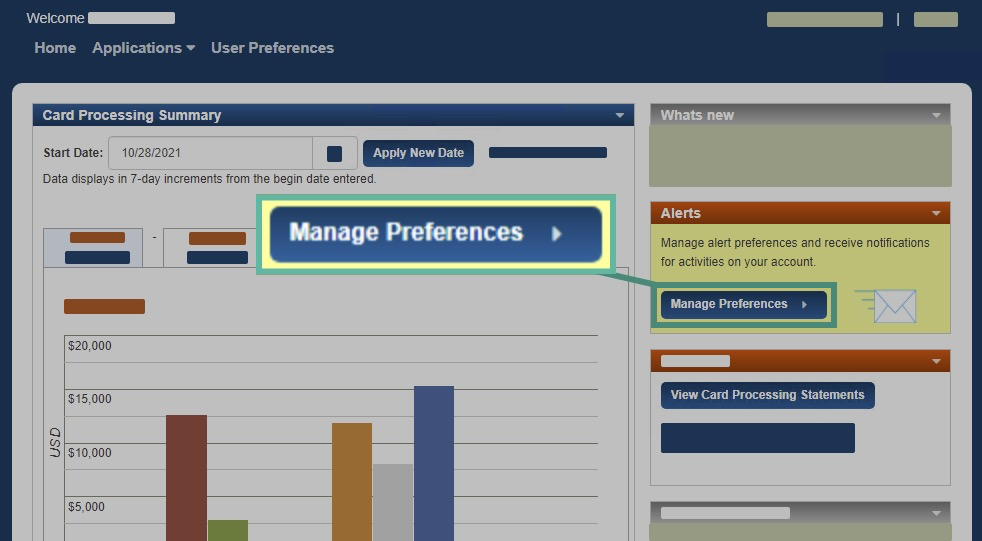
- Once you have logged in you will want to configure alerts. Click on Manage Preferences
-
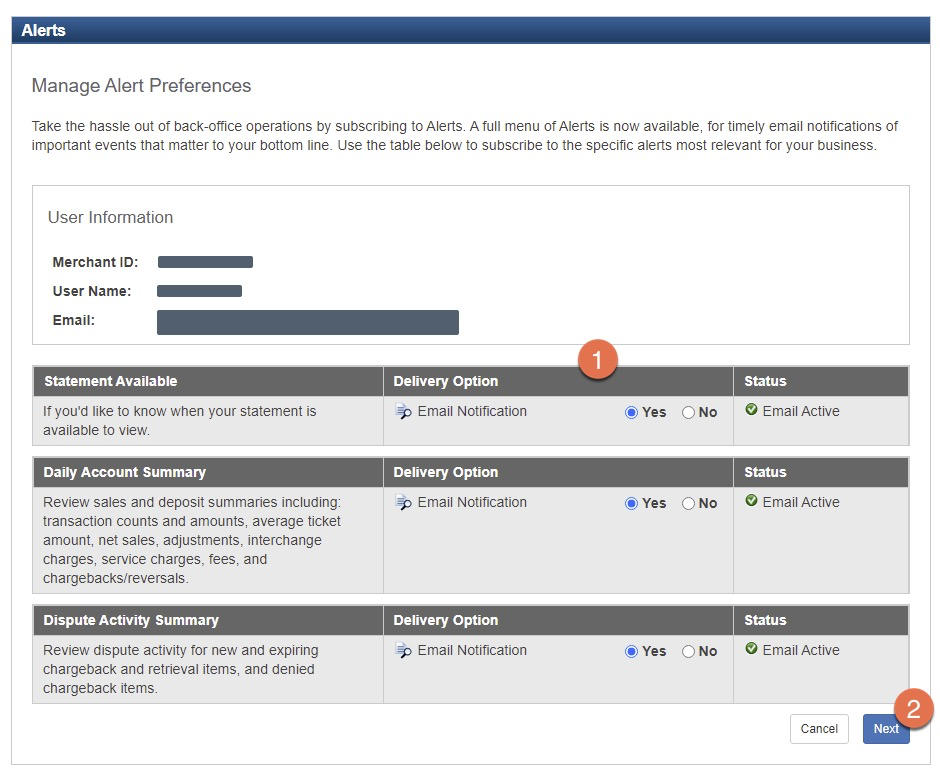
Then check Yes for the alerts you would like to receive and then click Next.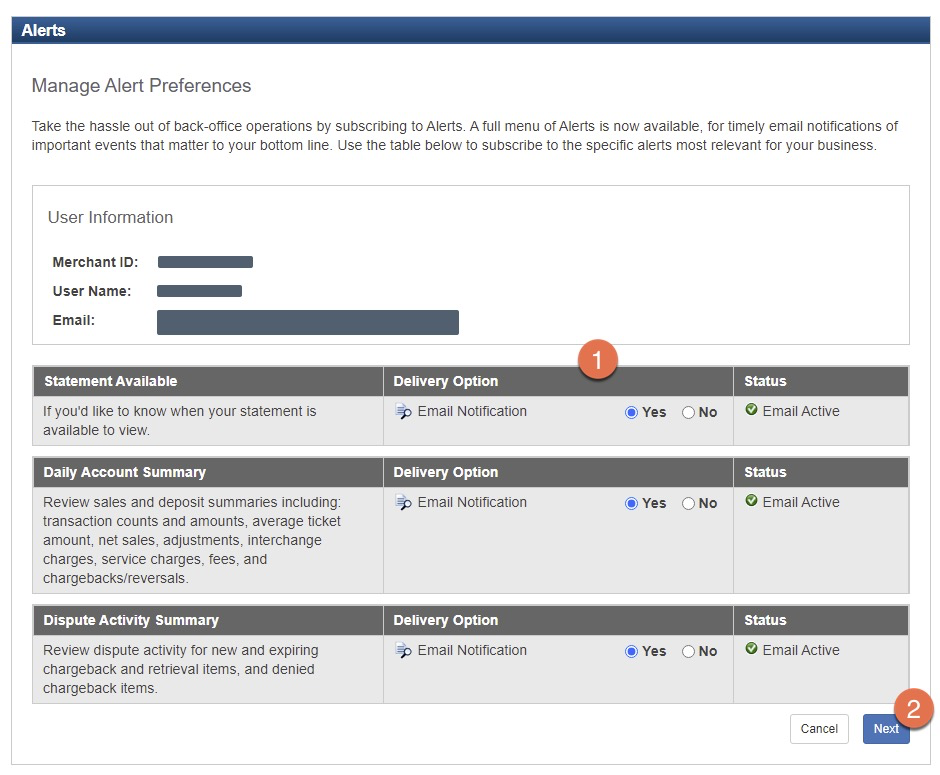
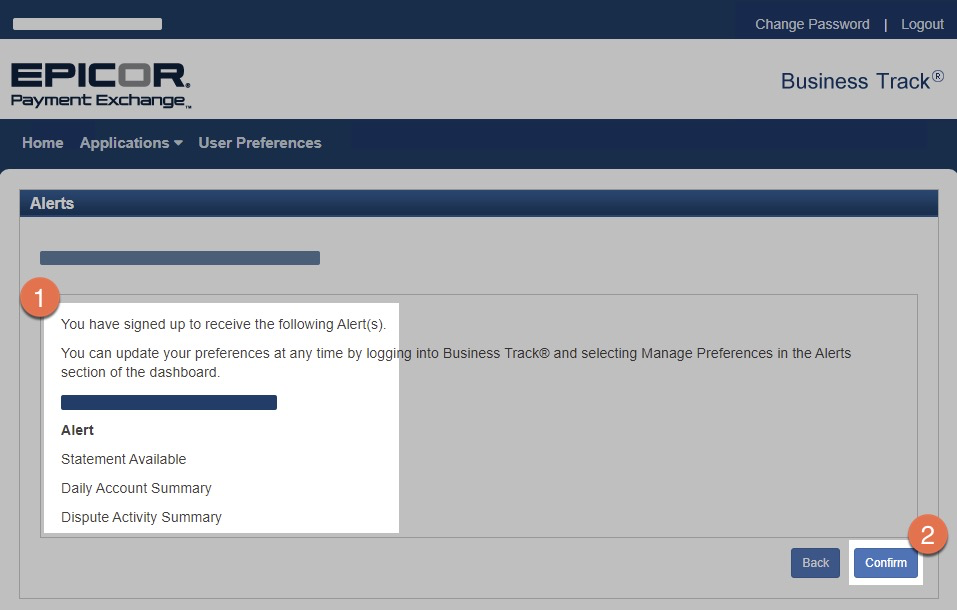
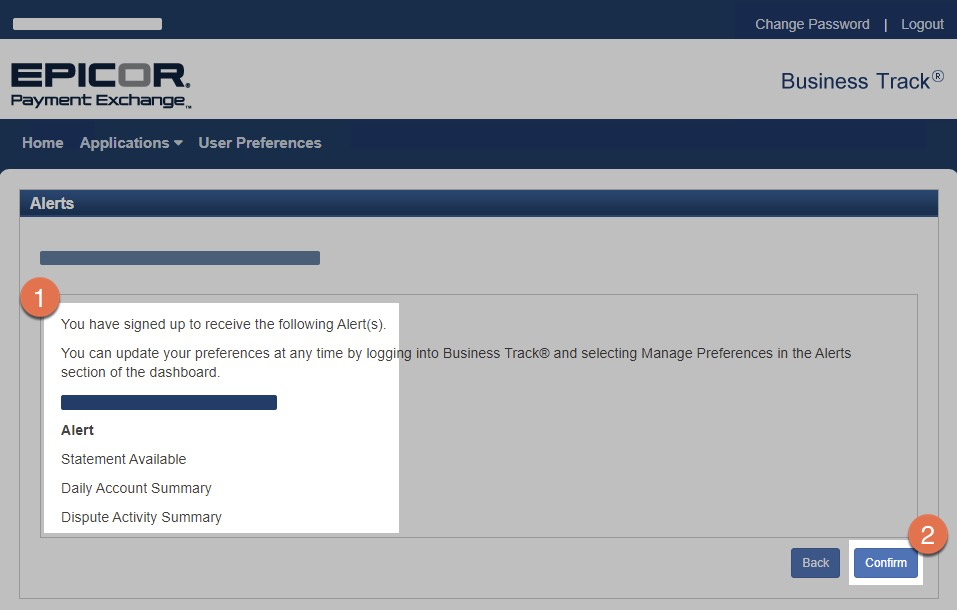
- Verify your alert settings and click Confirm.

No Comments